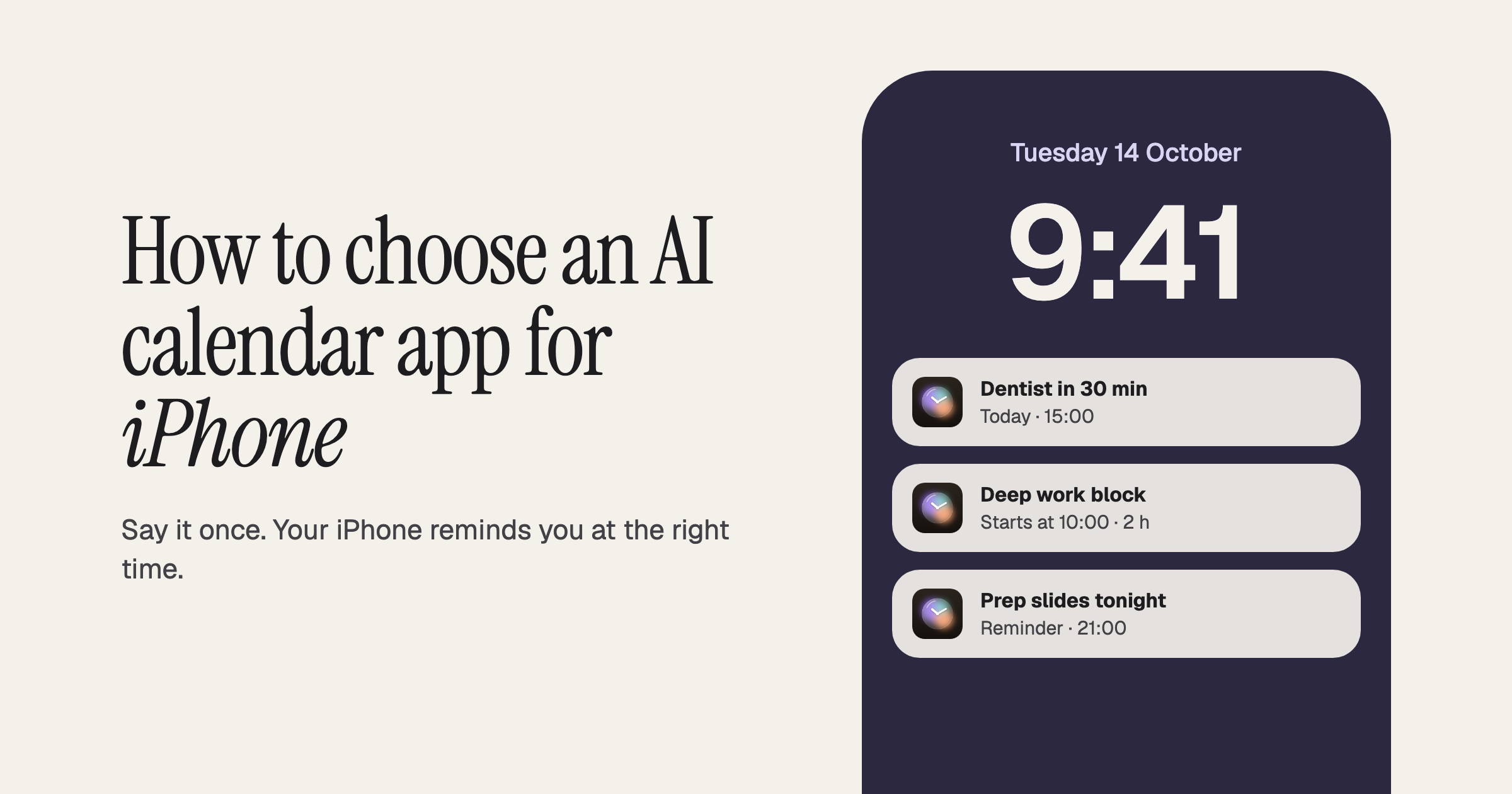
Short answer: a good AI calendar on iPhone lets you add plans in one sentence, shows events and tasks together, and asks before saving anything. Planifai is the free, chat-first option built around that. Fantastical suits power users who want a polished premium calendar, and TickTick suits people who want tasks, habits and a calendar in one app.
The iPhone already ships with a calendar, a to-do app and a voice assistant. So the bar for a third-party AI calendar is higher than "it has AI". It has to be faster than what you already have, and it has to fit into habits you've built over years. This guide covers what to look for, how the built-in apps compare, and where each AI option on the App Store fits.
One sentence in.
A planned day out.
Free AI calendar for iPhone. Type your plans in one sentence; Planifai schedules them.
Download Planifai — FreeOn your iPhone?
Scan with the Camera app to get Planifai.
What iPhone users actually need from an AI calendar
Most calendar entries on a phone happen in a few seconds: walking out of a meeting, standing in line, replying to a text. That shapes what "good" means.
- Quick, one-handed input. The best test is simple: can you type or dictate "dentist Tuesday 3pm, remind me to prep slides Monday night" and get a correct event plus a task, without hunting for date pickers? Anything that needs a form first and AI second is slower than it looks.
- Confirmation before commit. AI gets dates wrong sometimes, especially with phrases like "next Friday". You want the app to pre-fill an editable event you tap to confirm, not one that silently writes to your calendar.
- Expectations set by the system. iPhone users are used to glancing at the lock screen, home screen widgets and notifications to see what's next. Before you switch, check whether an app supports the widgets, Siri, Shortcuts or Apple Watch features you rely on. Support varies a lot between apps, and it's worth confirming on the App Store listing rather than assuming.
- Coexisting with Apple Calendar and Reminders. Many people keep shared family or work calendars in Apple Calendar or Google Calendar. Ask whether a new app syncs with those, or whether it works as a separate planner alongside them.
- Privacy. A calendar holds where you'll be and who you'll see. Look for apps that keep data on the device by default and are clear about what, if anything, goes to a server for AI processing.
Apple Calendar + Reminders vs an AI calendar app
Apple Calendar is free, preinstalled, clean, and syncs reliably through iCloud. For many people that's enough, and there's no reason to replace something that works.
The gaps show up when you plan a full day on your phone. Tasks live in a separate Reminders app, so you end up switching between two places to see what your day actually looks like. There's no conversational AI inside the Calendar app itself. Siri can create events by voice, and Apple Intelligence helps in places like Mail, but you can't hold a back-and-forth chat about your schedule in Calendar. Adding an event by hand also takes several taps: the plus button, title, date, time, duration, save. Apple Calendar doesn't include productivity analytics either.
An AI calendar app trades some of that system integration for speed and a single view. You describe what you need in plain language, the app proposes events and tasks, and you see both on one screen. Whether that trade is worth it depends on how much of your planning happens on your phone. For a feature-by-feature breakdown, see Planifai vs Apple Calendar.
The AI calendar options on iPhone
Each of these apps does something well. Here's an honest summary, with a full comparison page for each. Prices are from the US App Store listing of each app, checked on 13 Oct 2026; paid features are described from those listings, not tested.
- Apple Calendar (Free): the default on iPhone, with reliable iCloud sync and a clean design. Tasks live in Reminders, and there's no conversational AI in the calendar app itself.
- Fantastical (Free limited; Flexibits Premium $6.99/mo or $56.99/yr): a polished calendar that parses natural-language event strings and offers Calendar Sets, Openings and deep iCloud and Reminders integration. It's a parser rather than a chat assistant, and core features sit behind Premium. If you're weighing a Fantastical alternative, the comparison page covers both side by side.
- Google Calendar (Free): reliable, ubiquitous and great for shared calendars, with Gemini features that are strongest for Workspace accounts. Google Tasks is a separate app, so there's no unified view.
- Motion ($44.99/mo or $294.99/yr in the app, no free tier): a powerful AI auto-scheduling engine with project management and deep-work blocks. Its own listing calls the iPhone app a companion to the web and desktop app, it has a 2–4 week learning curve, and its mobile app is rated 2.7/5 on G2.
- TickTick (Free, Premium $4.99/mo or $49.99/yr): the closest to a unified tasks + calendar app, with a habit tracker, Pomodoro and natural-language input. Its AI focuses on task breakdown rather than full scheduling chat.
- Todoist (Free, Pro $6.99/mo or $59.99/yr): the most mature to-do app, with natural-language task input and an AI Assistant for Pro users. The calendar is secondary to tasks.
- Structured (Free; Pro in-app purchases from $2.99 to $99.99 for lifetime): a calm, timeline-style day planner that many ADHD users like. It's timeline-only, with no week or month view, and its AI day planning is Pro-only. If you want a Structured alternative built around a chat instead of a timeline, see the full comparison.
- Notion Calendar (Free): clean and minimal, with deep Notion integration. It has no month view, no task management and no AI chat, and it works best if you already live in Notion.
- Trace (Free; Trace plans $3.99/mo or $29.99/yr): an AI calendar and daily planner with natural-language input by typing or voice, screenshot-to-event, widgets and iCloud sync across iPhone, iPad and Mac, according to its listing.
- Any.do (Free, Premium $5.99/mo or $59.99/yr): a clean, minimal app with team and family collaboration. Its AI features are behind Premium, and the free tier shows upsell banners.
Two names often come up in AI calendar lists but fit iPhone less directly. Morgen's iPhone app is described in its listing as a companion to its desktop app, and the listing doesn't mention AI. Reclaim.ai didn't show up as an iPhone app on the US App Store when we checked on 13 Oct 2026; it works through your Google or Outlook calendar instead.
Where Planifai fits. Planifai is a free AI calendar for iPhone built around a chat. You describe your day in plain language, it pre-fills editable events and tasks, and nothing is saved until you confirm. Calendar and to-do share one view, with day, week and month layouts, custom event colors and daily productivity analytics. Data stays on your device by default.
It doesn't do everything. Planifai doesn't sync with Google, Apple or Outlook calendars today, so it works as your planner next to them rather than as a shared-calendar hub. It's single-user, with no family sharing, and it doesn't silently auto-schedule the way Motion does. If you need those things, the apps above may suit you better. See all comparisons for the full feature tables.
Free AI calendar apps for iPhone
"Free" covers very different deals, so here's what each AI option costs on the US App Store (checked 13 Oct 2026):
- Planifai: free, no in-app purchases. The AI chat is included rather than sold as an upgrade.
- Trace: free to download, with paid plans ($3.99/mo or $29.99/yr) for the full feature set.
- Structured: free timeline planner; its AI day planning is part of Structured Pro.
- Todoist: free; its AI Assistant is for Pro users.
- Motion: the iPhone app needs a Motion subscription, after a 7-day trial.
If you want to try AI planning without paying, Planifai is the option here where the AI chat is included at no cost. Trace and Structured have free tiers too, but check which AI features each one includes before you rely on it: prices and plans change.
AI planner app vs AI calendar app
An AI calendar app is built around time: you describe an appointment, it lands on a date, and the app helps you see and move what's already booked. Planifai, Fantastical and Google Calendar with Gemini sit on this side. An AI planner app is built around the day's to-dos: it helps you decide what to do and in what order, often on a timeline. Structured, Tiimo and Motion lean this way.
The line is blurry, and plenty of people need a bit of both. If you're not sure you want AI at all, our comparison of planner apps for iPhone covers seven options, including free ones without AI.
Which one fits you
- If you have ADHD or find planning draining, you want capture to be fast and the screen to be calm. Planifai's one-sentence input and Structured's timeline are both good starting points. Read how Planifai works for ADHD.
- If you're a student juggling classes, deadlines and a part-time job, a single view of events and tasks matters more than integrations, and price matters too. Planifai and TickTick both have free tiers. See Planifai for students.
- If you're a founder with a meeting-heavy week, be honest about where you plan. Motion is strong on desktop if you'll pay for auto-scheduling, and Fantastical is strong if you live in shared calendars. If most of your planning happens on your phone between meetings, see Planifai for founders.
- If Apple Calendar already works for you, keep it. An AI calendar is worth adding when switching between Calendar and Reminders, or tapping through forms, starts costing you time.
Whichever app you pick, the phrasing you use matters. Our guide to natural-language scheduling prompts has short sentences that work well in any AI calendar.
FAQ
Is there a free AI calendar app for iPhone?
Yes. Planifai is a free AI calendar app for iPhone with its conversational AI chat included, not locked behind a subscription. You describe events and tasks in plain language and confirm the pre-filled results. TickTick, Todoist, Structured and Any.do also have free tiers, but their AI features are limited or sit behind paid plans.
Does an AI calendar replace Apple Calendar?
Not necessarily. Apple Calendar stays useful for shared iCloud calendars and system integration. An AI calendar like Planifai is best used for fast capture and daily planning, with events and tasks in one view. Planifai doesn't sync with Apple Calendar today, so many people use it as their personal planner alongside the built-in app.
Which languages does Planifai support?
Planifai supports eight languages: English, French, Spanish, Italian, German, Japanese, Chinese and Korean. The AI understands requests written in each of them, so you can schedule in the language you think in rather than translating into English first. The app interface is also available in those same eight languages.
Try it on your iPhone
The fastest way to judge an AI calendar is to type one real sentence from your week and see what it does with it. Planifai is free, takes about a minute to set up, and never saves anything without your confirmation. Download Planifai on the App Store and try it with tomorrow's plans.
Try it
The app behind the article.
On your iPhone?
Scan with the Camera app to get Planifai.
About the author
Planif.ai Team
We build Planifai, a free AI calendar for iPhone. Every guide is written by the team and checked against the app and the App Store listing.