A calendar knows a lot about your life. So when we built the Planif.ai website, we set ourselves a simple rule: the site that asks you to trust us with your calendar shouldn't track you to sell you on it.
No cookie banner, no ad pixels, no profile of you. We still wanted to know which pages help people decide to try the app. Here's how we measure that, and what we chose not to measure.
Why no cookie banner
Most analytics tools store a cookie or an identifier in your browser to recognize you on your next visit. In the EU and the UK, that requires your consent first, which means a banner before you've even read the headline.
We didn't want that friction, and we didn't need to recognize you. We only need to answer questions like:
- Which blog posts do people actually read?
- Which pages lead to a tap on the App Store button?
- Do people who read the ADHD guide reach the download page?
None of these need to know who you are.
What we measure
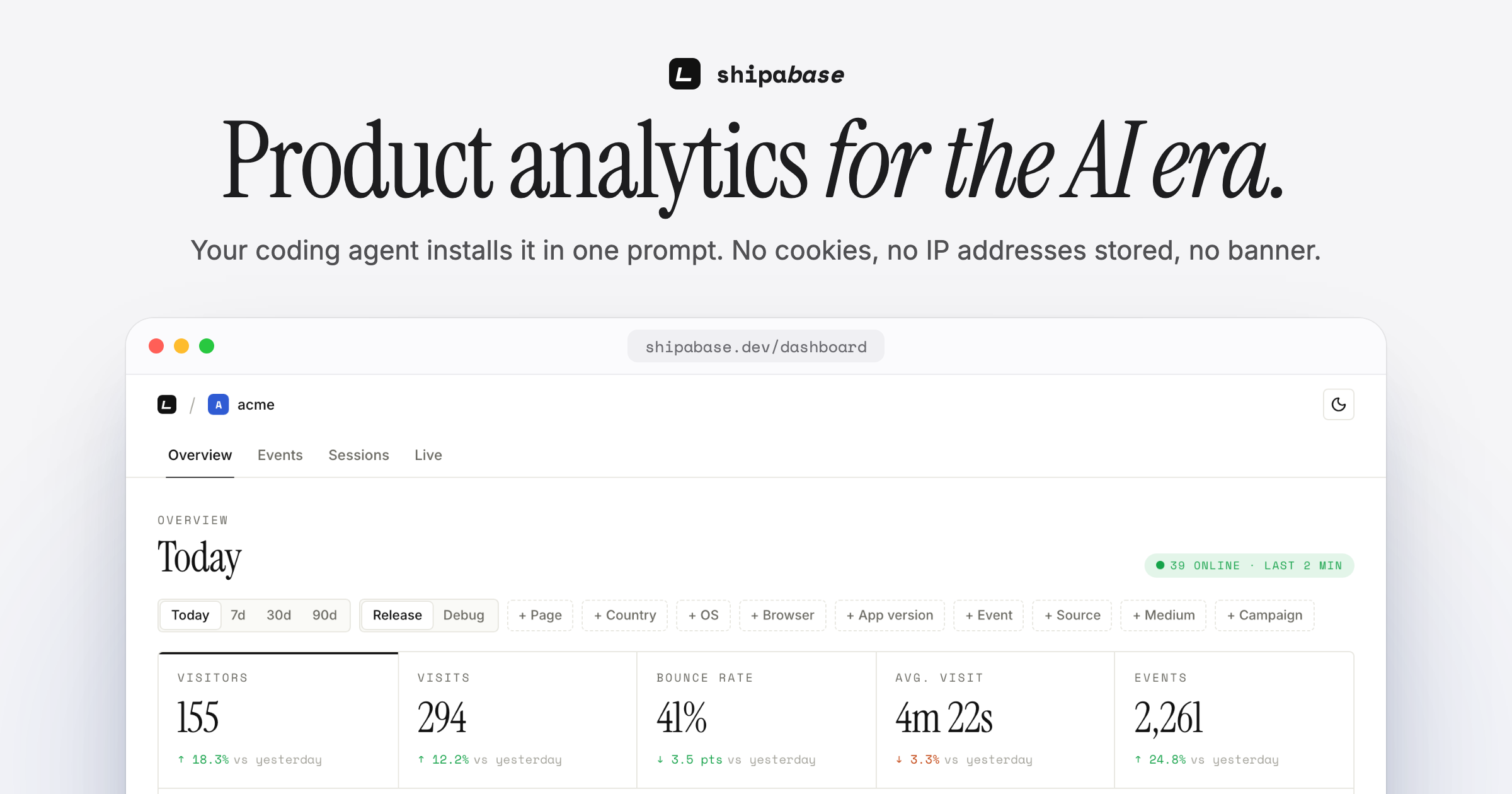
We use Shipabase, a privacy-first product analytics tool that doesn't use cookies or localStorage and never stores IP addresses. On planif.ai it records:
- Page views, collected automatically when a page loads or the route changes.
- App Store clicks (
app_store_click), on every App Store link on the site: header, footer and blog posts. - Contact requests (
contact_submitted), with the topic you picked in the form, never your name, email or message.
That's it. Three signals, all anonymous. Visitors are counted with a hash that changes every day, so a visit today can't be linked to a visit tomorrow.
What we don't measure
- No tracking cookies, no localStorage, no fingerprinting.
- No IP addresses stored.
- No query strings: only the page path is sent, so anything in a link's parameters stays out of our stats.
- Nothing about what you type into the Planif.ai app itself. The website and the app are separate.
The code behind it
Our site is built with Next.js. The whole setup is one small client component, loaded once in the root layout:
"use client";

import { useEffect } from "react";
import { init, trackEvent } from "@shipabase/js";

export function ShipabaseAnalytics() {
  useEffect(() => {
    init(process.env.NEXT_PUBLIC_SHIPABASE_KEY!);

    // One listener for every App Store link on the site.
    const onClick = (e: MouseEvent) => {
      if ((e.target as Element | null)?.closest?.("a[href*='apps.apple.com']")) trackEvent("app_store_click");
    };
    document.addEventListener("click", onClick, { capture: true });
    return () => document.removeEventListener("click", onClick, { capture: true });
  }, []);

  return null;
}
And in the contact form, after a successful send:
trackEvent("contact_submitted", { subject });
Page views need no code at all: the SDK picks them up, including client-side navigation between pages.
What we learned from it
The numbers that matter to us are simple ratios: how many readers of a guide go on to tap the App Store button, and which guides bring those readers in. That tells us which topics to write about next and which pages to improve, without knowing anything about any single visitor.
If you run a website or an app and want the same setup, Shipabase has guides for Next.js without cookies and for apps built with AI tools like Lovable.
FAQ
Does planif.ai use cookies? No tracking cookies, and no consent banner: analytics are cookieless. The only cookie is a functional one that remembers the language you picked.
Can Planif.ai see who I am when I visit the site? No. Visits are counted anonymously with a hash that changes every day, and IP addresses are never stored.
Is my calendar data used for analytics? No. The website analytics only cover the planif.ai website. What you plan in the app is never part of them.
Try it
The app behind the article.